


Slideshow
Set to music from your phone, for the TV or as a video for Instagram Stories.
A hangout album made together
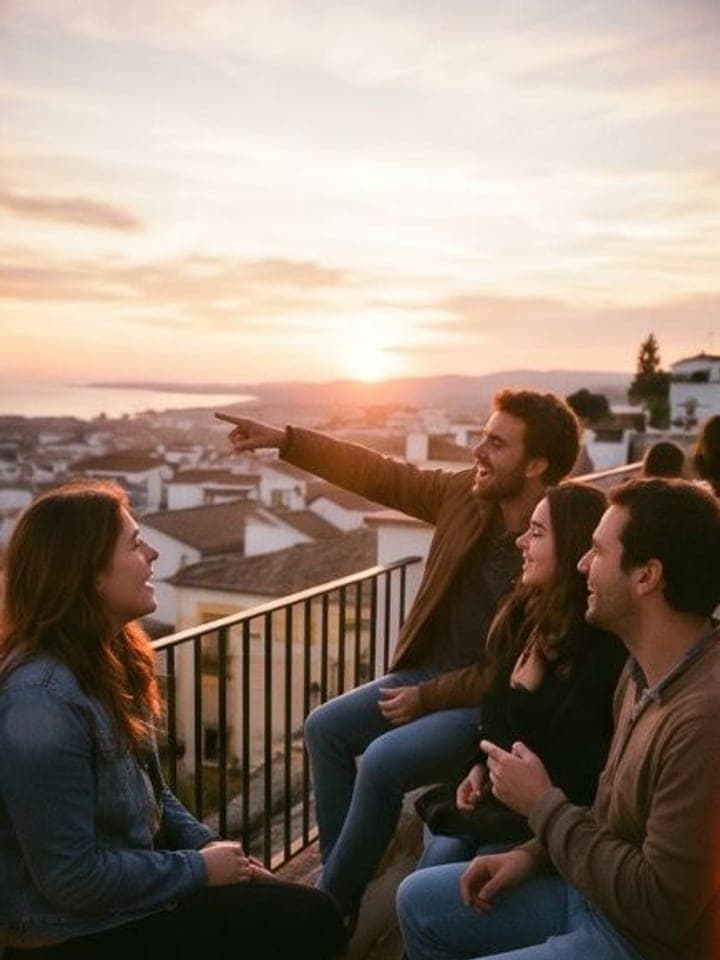
Share a link in the group chat: everyone adds their photos with no app or account and makes strips in the photo booth. Everything lands in one album, with the name of who took each photo.
iPhone and Android apps, coming soon
At the party
Four shots on a countdown, then a strip with the album’s name and the day, straight into the album or onto Instagram. No booth to hire.
Choose a name, add a cover and set when uploads close.
Send the link to your friends’ group chat. Everyone adds photos from their phone that same night.
Open the gallery the next day. Download, like and comment together.
Invitation
One link is enough. No installation needed.
The dinner photo nobody posted to the group. The toast from another angle. Comments make the night last a little longer.

Laura Jeong
Minji
What a nice timing!
Ethan
Thanks to the guy who took the photo hehe
Ana
The album looks so good with everyone’s photos.
After the event
With your account, the album turns into collages and slideshows ready to share on Instagram.
Six layouts of up to 9 photos, in Instagram’s sizes: post, square or story. With a frame, your own words, and ready to share.
Set to music from your phone, for the TV or as a video for Instagram Stories.
Start free and pay only if you invite more people. Every plan includes collecting, sharing, likes and comments.
Videos up to 30 seconds; photos stored at 2048 px.
The price and available discounts are shown before you confirm your album.
See all plansBada is a QR code that lets the guests at a wedding, or any event, add their photos and videos from the browser, with no app and no account, to one album where every photo carries the name of whoever took it. It includes a photo booth in every guest's phone.
With up to 3 guests it's free: share the link in the group chat and everyone adds their photos from the night. They end up in one album, with the name of whoever took each one, instead of lost between messages.
Because in a group chat the photos get lost between messages and everyone has to save them one by one. In Bada they're gathered in one album, with the name of whoever took each one, and kept for a year after the album closes, or for good if you keep it.
Yes. Up to 3 guests costs nothing and asks for no card. Above that you pay once per album, with no subscription.
Within 14 days of purchase we refund everything, as long as no more than 3 guests have taken part. Your album is not deleted: it stays on the free plan, with its photos.
No. They open the link, enter their name and email (so we can tell them when the gallery opens) and add their photos. If they like, they can sign in with Google or create an account to keep their photos at hand. Only the host needs an account.
Only people with the link: nothing is public or shows up in search engines. You decide when the gallery opens to guests: from the start, when the event ends, a few days later or when you publish it. Until then, each guest only sees their own.
Yes, while the album is open: from the gallery, on their own photos.
Yes, any time: you only pay the difference and nothing already in the album is lost.
One year from when the album first closes (private ones, a year from when you create them). A month before, we'll let you know: you can download all of it as a ZIP or keep it forever for $4.99, one payment.
The host can download the whole album as a ZIP; guests save the photos they want from the viewer. Photos are stored at 2048 px on the long side: plenty for any screen, and for prints up to about 17 cm.
We don’t apply filters or discard photos for you. You can hide or remove photos yourself and restore them from the trash.
Yes. Each clip can run up to 30 seconds, about the length of a toast or an entrance. They are kept in HD (720p): anything recorded at a higher resolution is scaled down on the phone before it uploads.
Each person can upload up to 200 photos or videos: nobody gets there at a party, but it keeps an album from turning into a hard drive. Videos run up to 30 seconds. Photos are stored at 2048 px on the long side and videos in HD (720p). How many people can join depends on the plan; the free one takes 3.
You know who to invite
iPhone and Android apps, coming soon
FreeUp to 3 guests
Create my album